1 · start
Run the room first.
Open the board, pick a student, make groups, or sketch seating. None of that needs a class.
made for one teacher first
Start with the board, groups, seating, and the picker. Save a class when you want the students to stick. Turn on a timetable, library, notes, or a handover when you want them.
No credit card
Your students stay private
Australian Curriculum-aware
Built in Melbourne
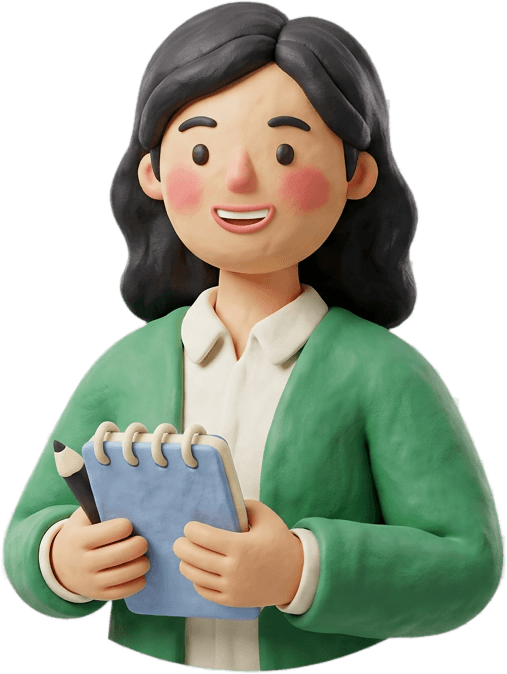
May Ou
Year 3, Melbourne
the teacher who sparked it
May Ou is a primary teacher in Melbourne. Every Sunday night she rebuilt her week across four spreadsheets, a Word doc, last term’s CRT folder and a paper diary — losing class notes and lesson plans somewhere in the middle.
may teachesis what we built so she didn’t have to. It started in her kitchen, it gets shaped by how she actually teaches, and it’s now open for your week too.
I just wanted one place where my week actually lives — the lesson, the class list and CRT note, all in the same spot I look at on Monday morning.
— May Ou, primary teacher
the loop
The classroom tools work on their own. A class keeps the students. Timetable, library, notes, and handover join the sidebar when you want them.
1 · start
Open the board, pick a student, make groups, or sketch seating. None of that needs a class.
2 · a class
A class keeps the names. The board, groups, seating, and the picker then use those students.
3 · modules
Timetable, library, notes, and handover start off. Switch one on and it joins the sidebar. AI inside those tools is Plus.
no account needed
Name picker, timer, QR code, and seating chart. Open one and use it before you have an account. Nothing is saved until you ask it to be.
privacy & security
Your class stays yours
Every teacher's data is kept completely separate, automatically — not just hidden behind a password. No one else can ever see your students, your notes, or your plans.
AI only on your say-so
Resource drafts, report polish, and parent updates each need an explicit action from you. Nothing is sent to an AI provider in the background, ever.
Never sold, never trained on
We don't sell personal information, full stop. What you write is never used to train anyone's AI model, including ours.
one day, one starting point
Start with the classroom tools. Save a class when you want the students to stick. Turn on a timetable, library, notes, or a handover when you want them.

Create a free account in under a minute. No credit card, no school IT ticket, nothing to import before you can see what it does.
Curious what’s free forever and what’s a paid upgrade later? See pricing.